Managing My Account Information
You can update your personal details, addresses, payment methods, and communication preferences directly from your account. How to access your account settings. Log in to CrowdFarming. Click on your…
You can update your personal details, addresses, payment methods, and communication preferences directly from your account.
How to access your account settings
- Log in to CrowdFarming
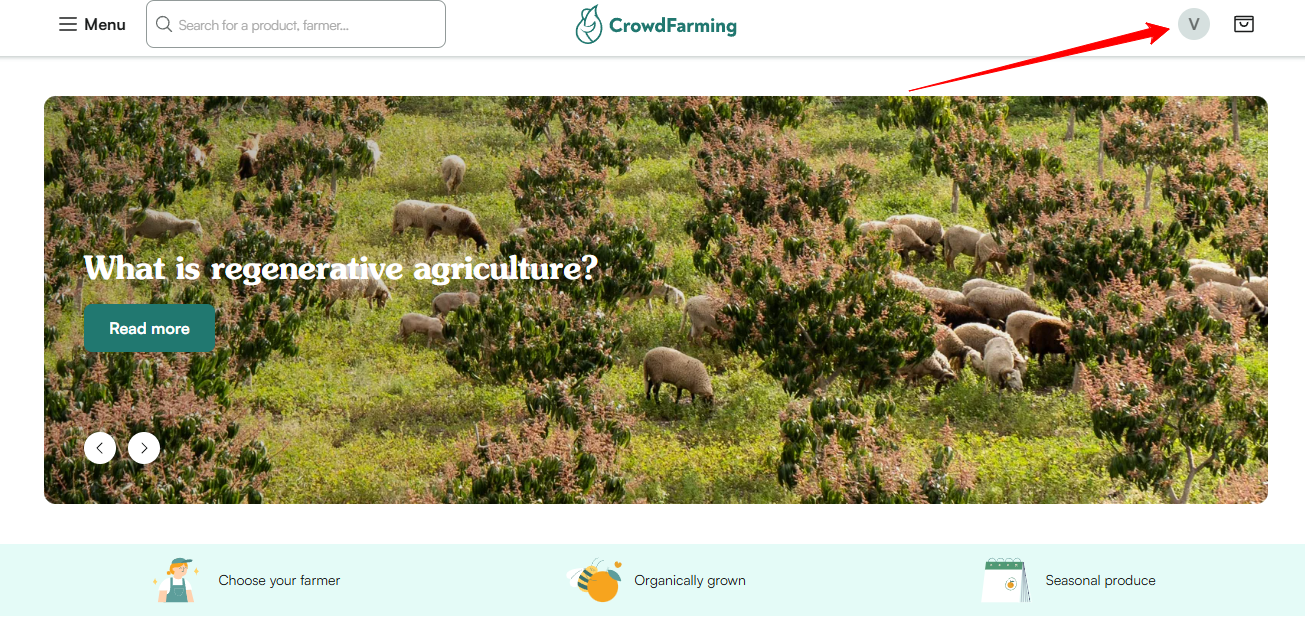
- Click on your profile icon or name in the top right corner
- Navigate to the relevant section (see below)
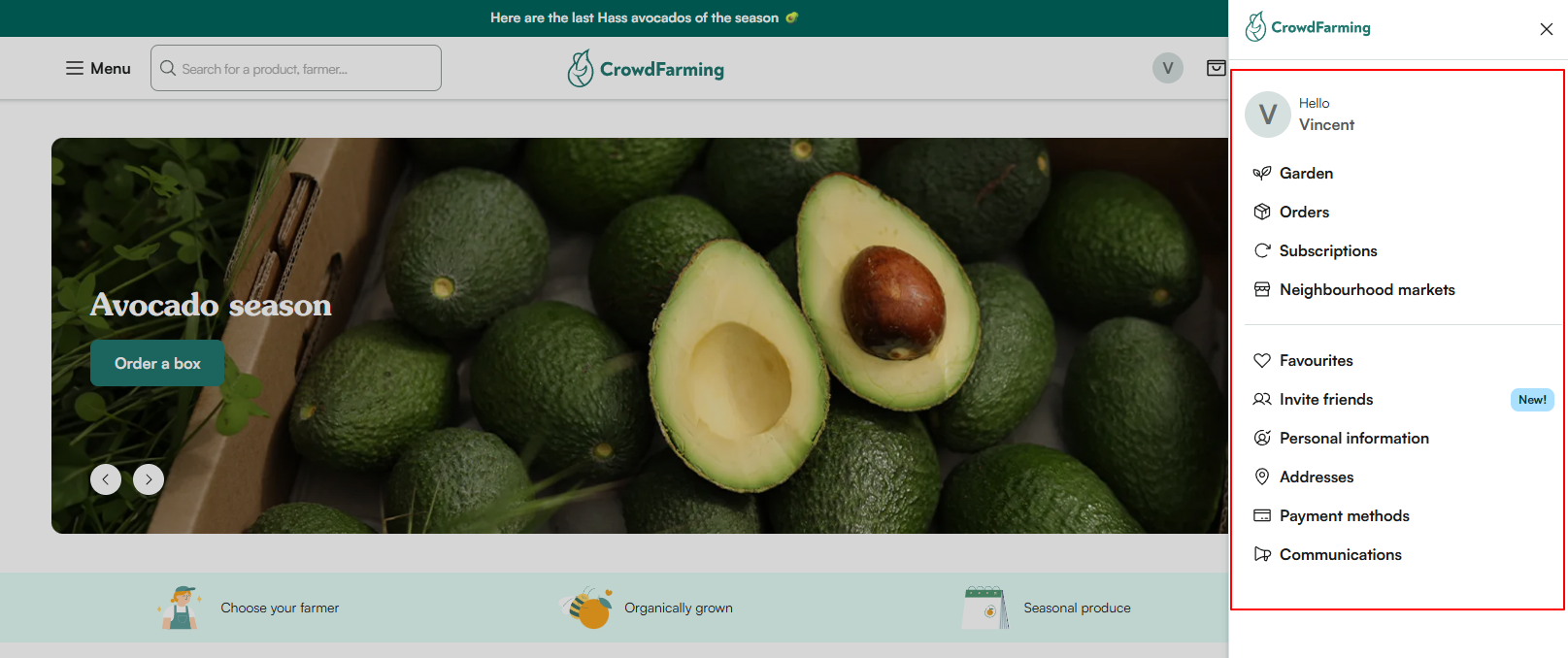
What you can manage
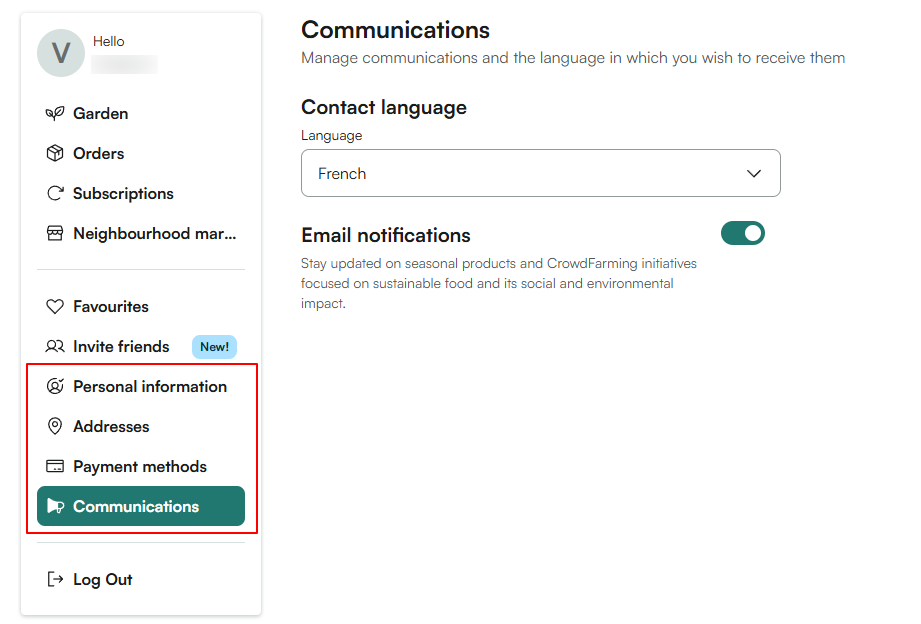
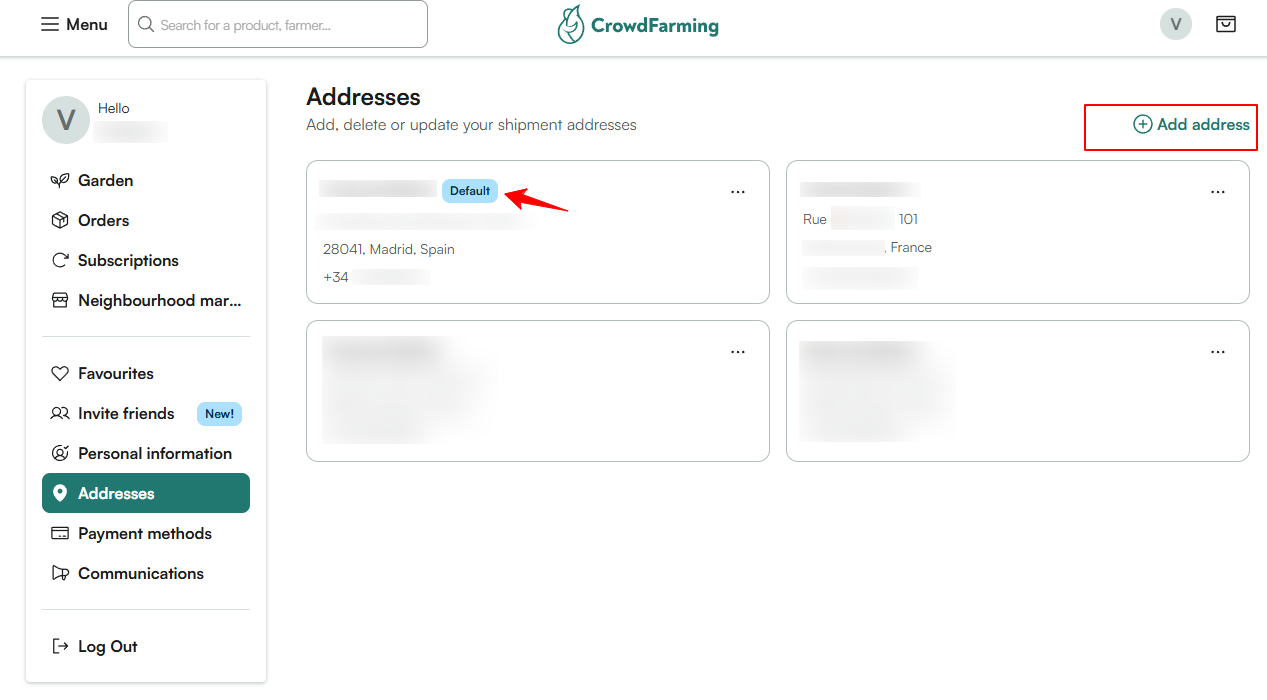
📍 Addresses: Add, edit, or remove your saved delivery addresses and set one as default.
Important: changes made here do not apply to orders already placed. To update an address on an existing order, go directly to your Orders or Subscriptions section.
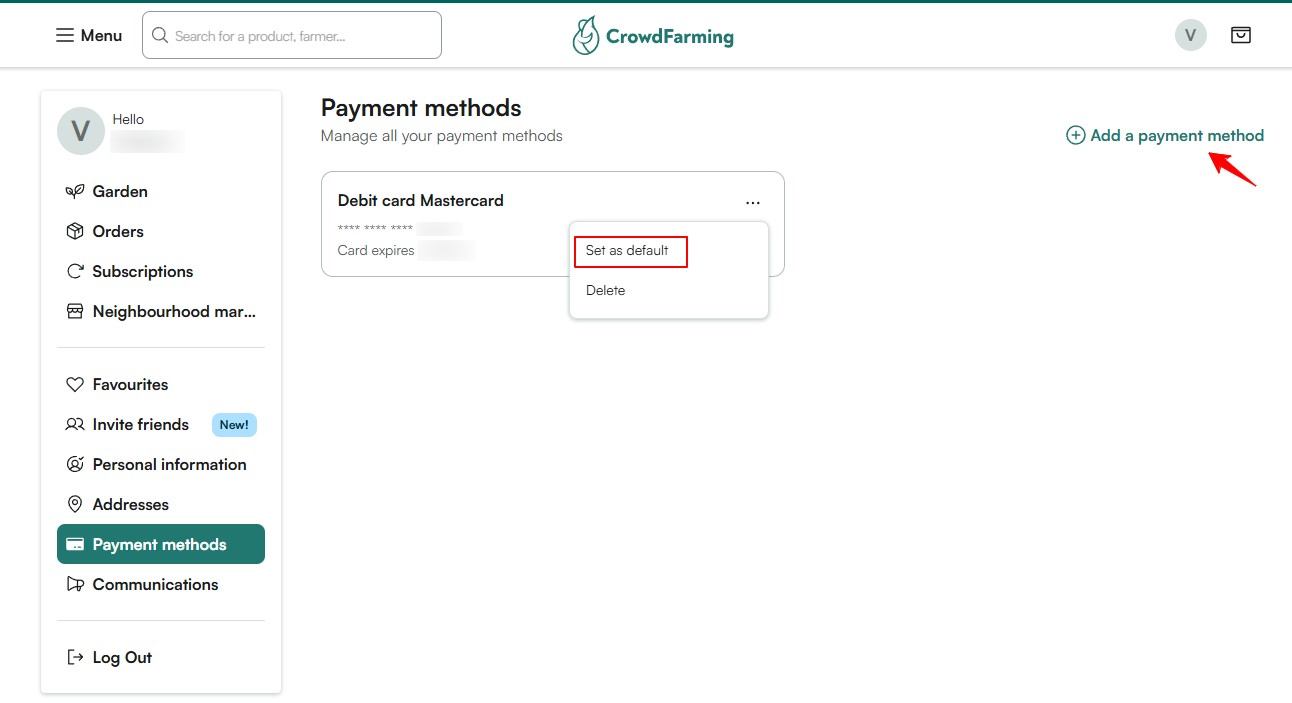
💳 Payment methods Add or remove your saved payment methods and set one as default.
🔔 Communication preferences Choose if you want to hear from us — newsletters, notifications, and more.
👤 Personal information Update your name, email address, phone and other account details.
❓ Need help with a specific change? Reach out to our support team.
Troubleshooting - I can't access my account
How to reset my password